

Skip to main contentSkip to footer

Our Work

Our work

A small selection of work we have produced

Filters
Portfolio Categories
Reset
Bellewstown-Timeline-Banner-Exterior-Sign

Bellewstown Racecourse Signage

Design, Signage
Anglo-Calendar-Feb

Anglo Deluxe Desktop Calendar 2026

Design, Print
Darley-5

Darley Book

Print

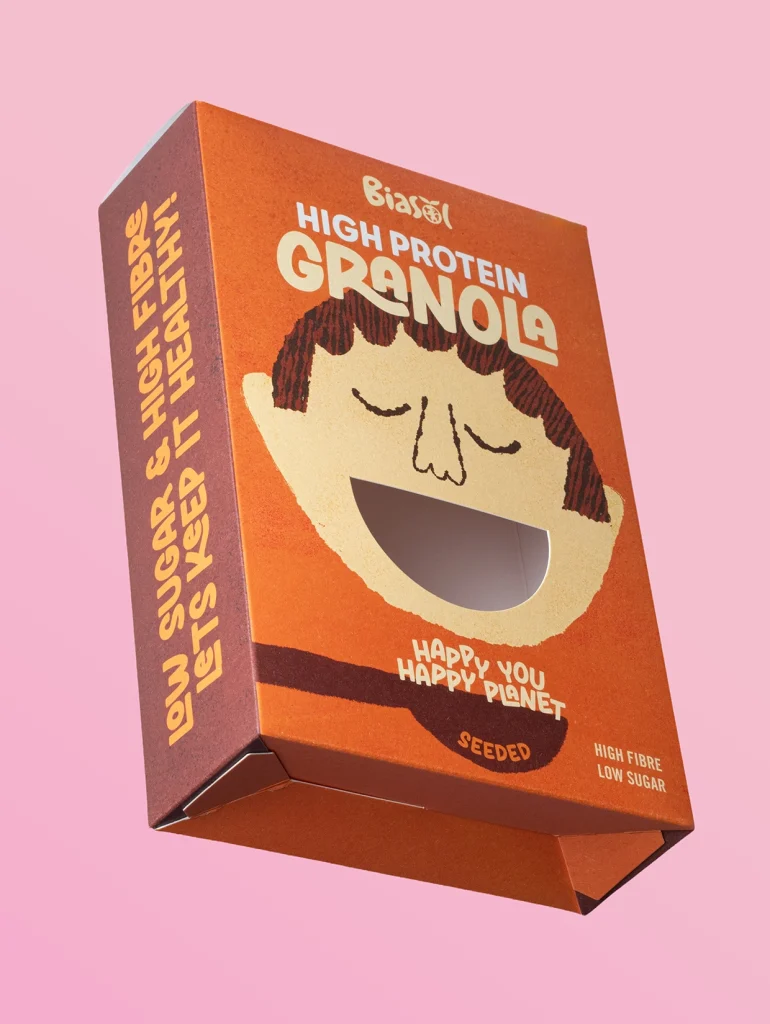
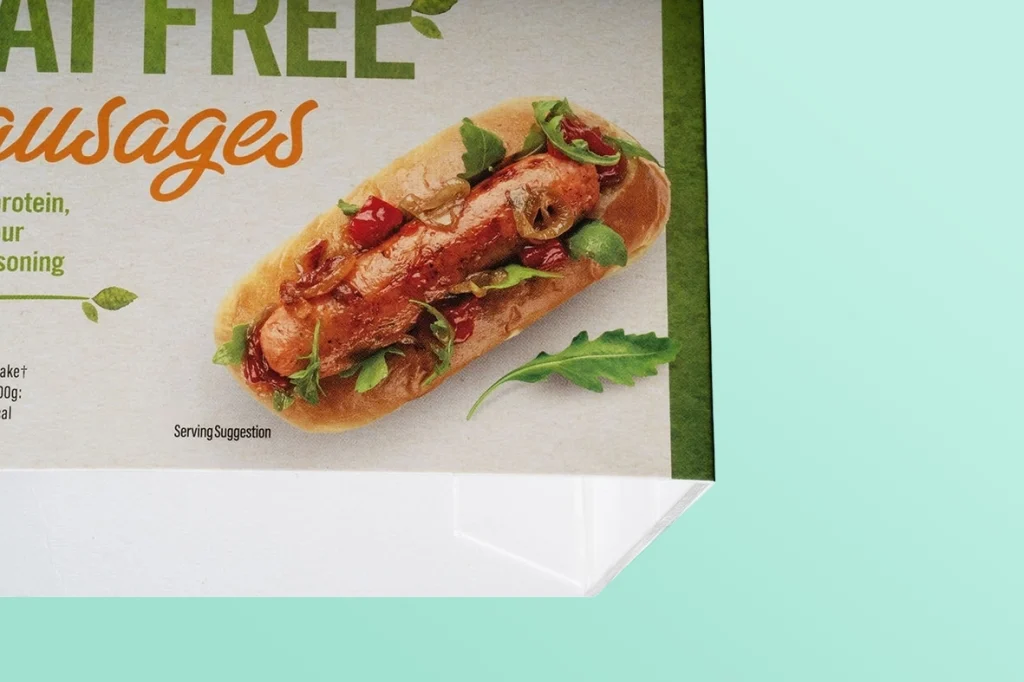
McDonnells Curry Sauce

Packaging
NFL-Programme-2025

Pittsburgh Steelers vs Minnesota Vikings, Croke Park 2025

Print
Bellewstown-Racecourse-Arch

Bellewstown Racecourse Arch

Signage
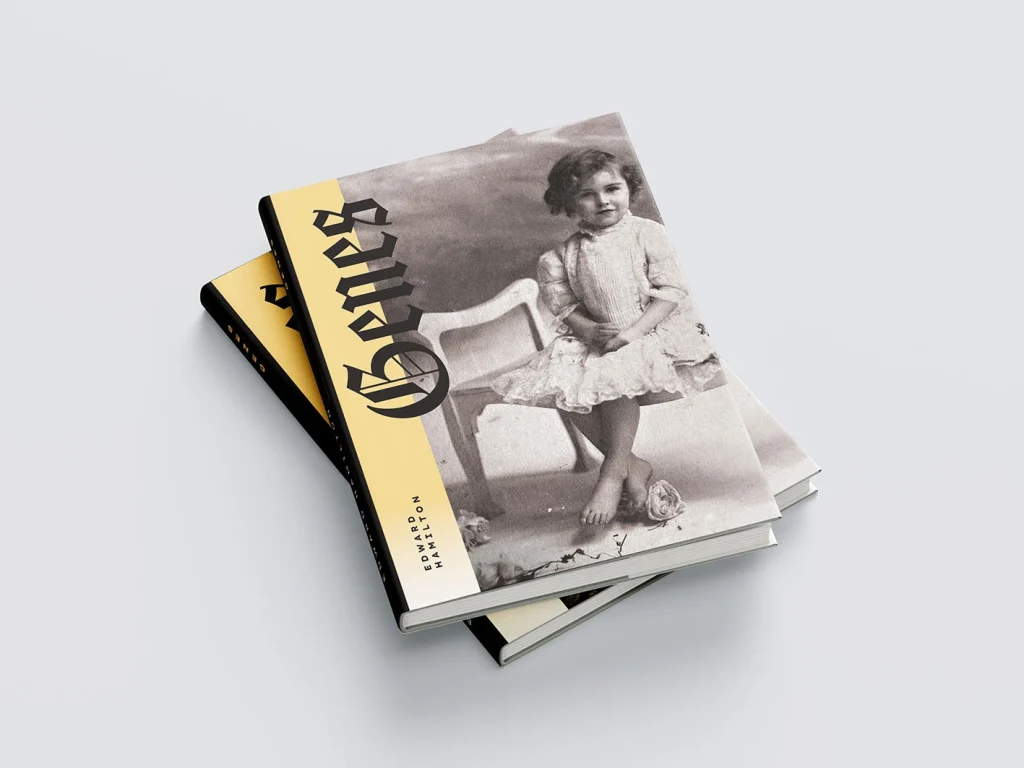
Genes-Cover-1

Genes – By Edward Hamilton

Design
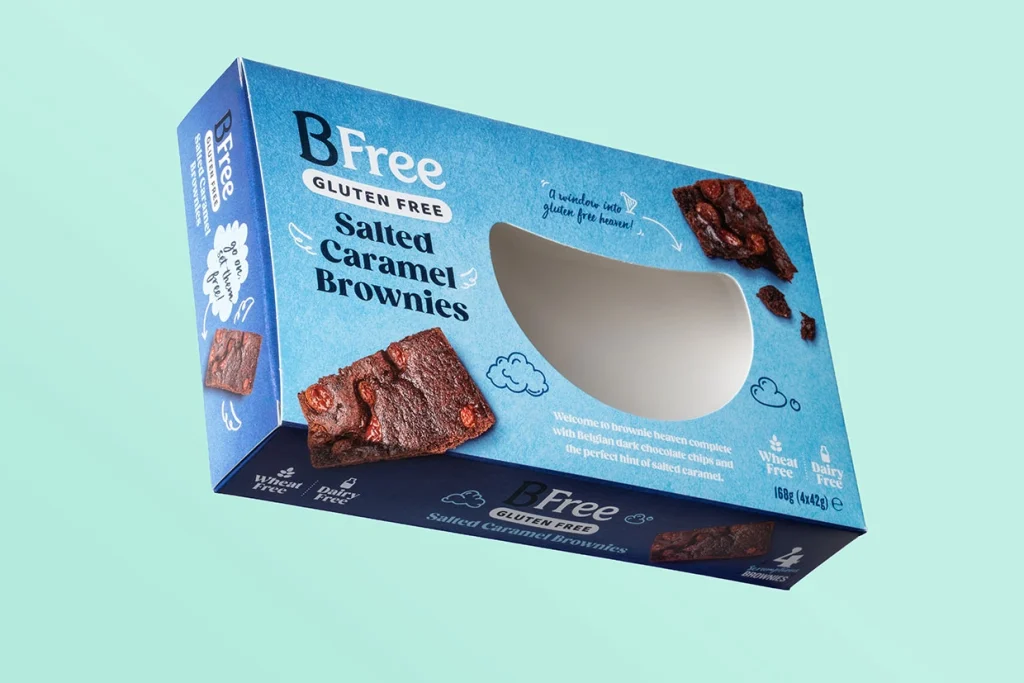
bfree-blue-1

BFree

Packaging
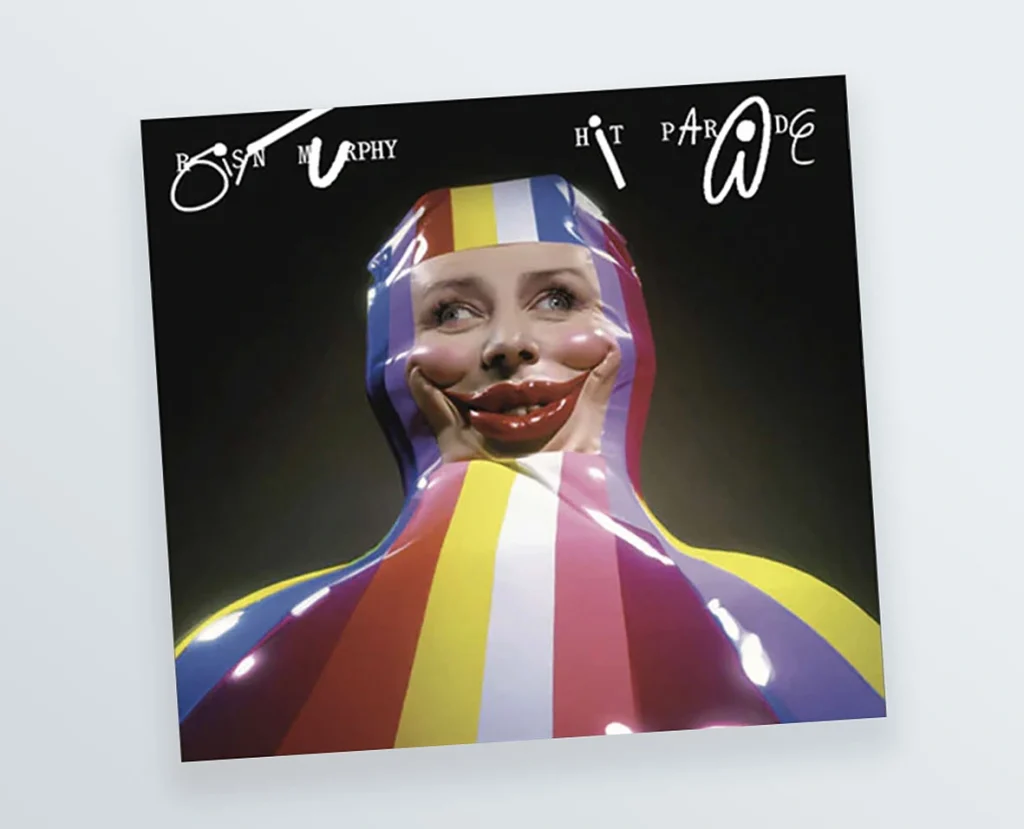
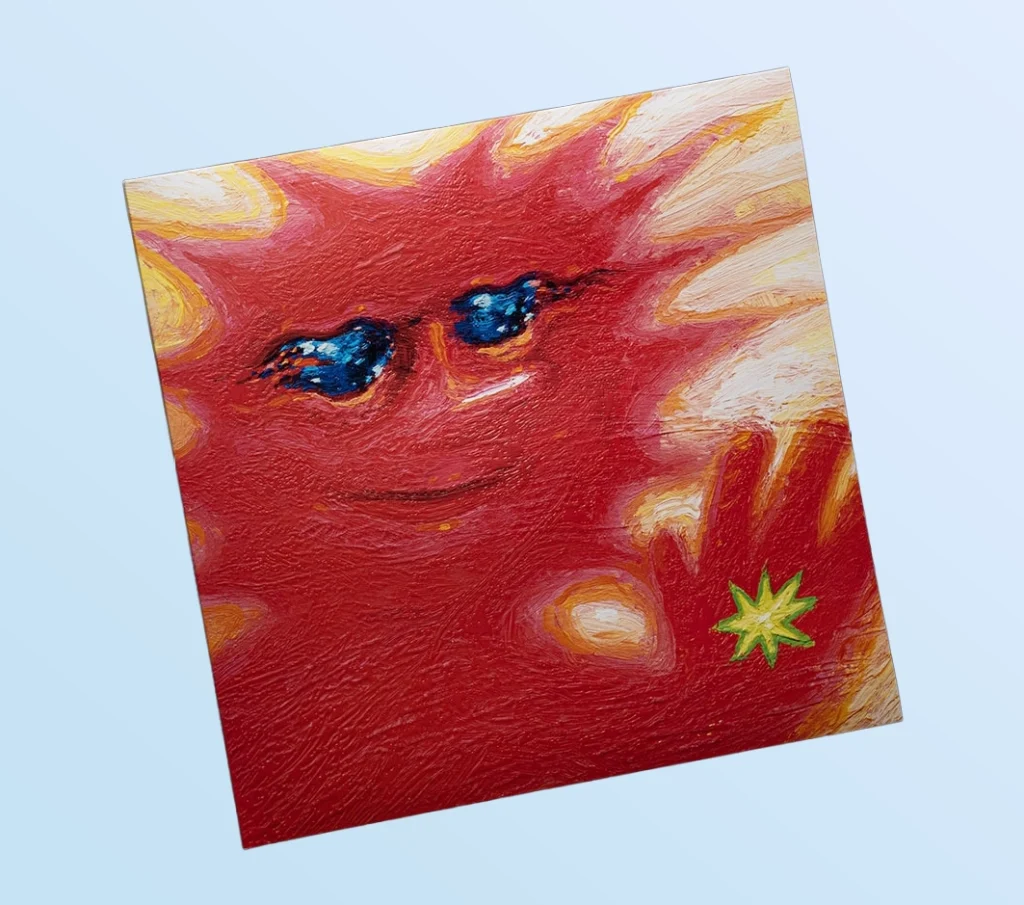
psycho-frame-1

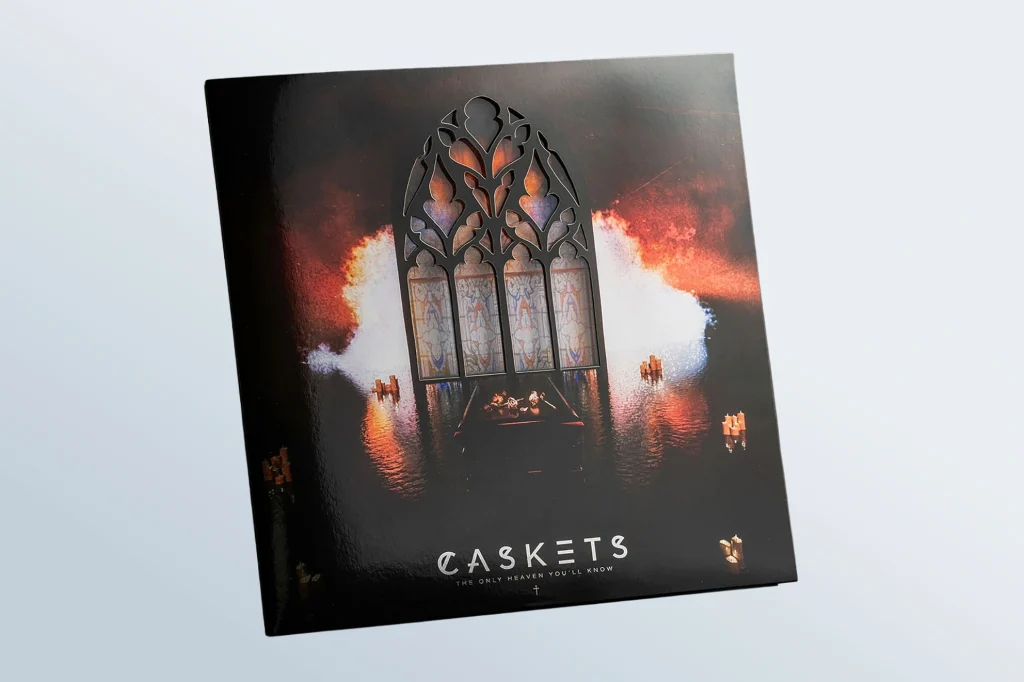
Psycho Frame (*IPA Award Winner)

Vinyl Sleeves
choc-garden-2

The Chocolate Garden of Ireland

Packaging
sullivan&lamb-3

Sullivan & Lambe

Print
TDforIreland-7

They Died For Ireland

Print

How We Work

Our Workflow as Your One-Stop Print Partner

01

Contact Us

We define your goals, audience, budget, and timeline to determine the best approach for your project. We then send you a competitive quote to proceed. Call us on 041 983 5000 or email sales@angloprinters.ie.

02

Design & Prepress

We create bespoke designs or prepare your supplied files, ensuring all artwork is accurate and ready for production.

03

Production & Finishing

Using advanced print technology and specialist finishes, we deliver high quality results with strict quality control.

04

Delivery & Support

We deliver on time and remain on hand for reprints, updates, and future projects, ensuring consistency and long term support.


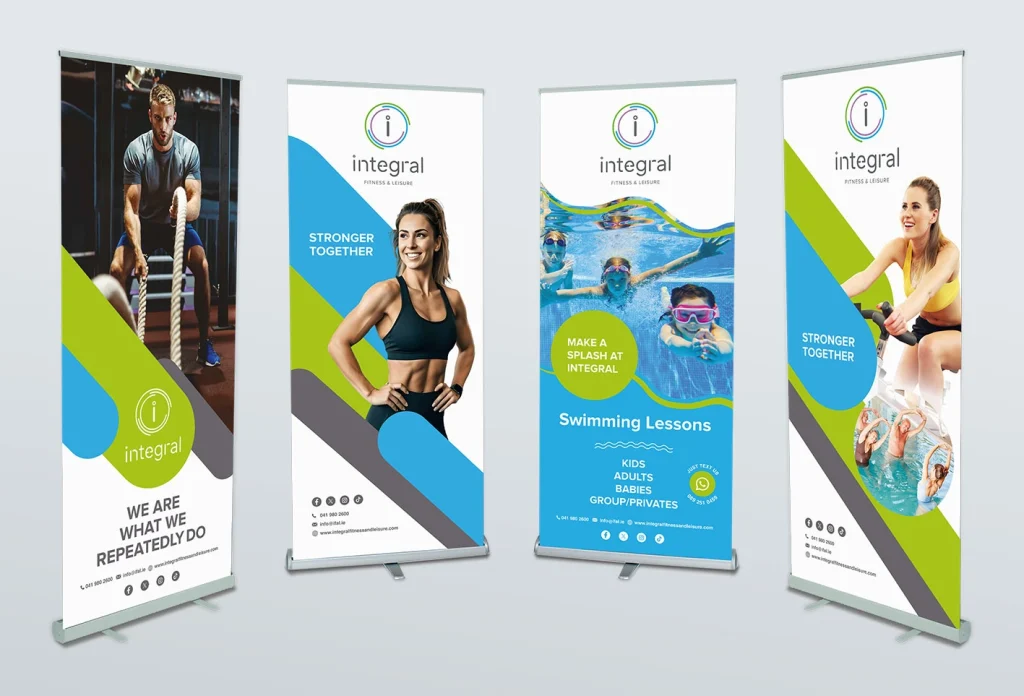
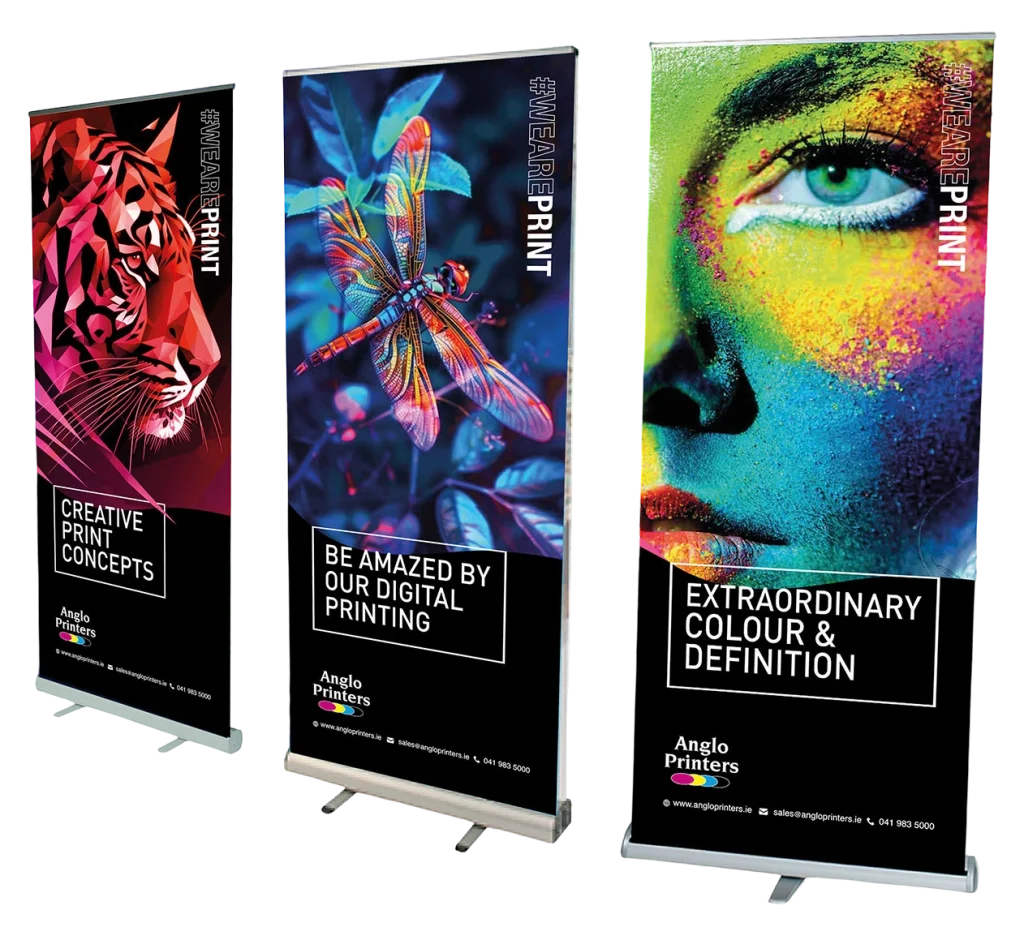
Anglo-Pull-Up-Banners-Larger
What to send us if using canva

Print Guidelines

Preparing Print-Ready Artwork in Canva

If you’re aiming for a full-bleed print (where your design runs right to the edge), it’s important to set up your artwork correctly to avoid unwanted white borders.

Many customers now create their designs in Canva or other artwork generating apps. Whether you’re designing a flyer, poster, or business card, following a few key steps will ensure your file is print-ready and produces the best possible result.  A lack of Bleed and Crop marks are a common issue with received artwork. These elements are explained as follows.

What Are Bleed & Crop Marks?

  • Bleed is an extra 3mm around the edge of your design that gets trimmed off after printing. This helps prevent white edges caused by slight movement during cutting.

  • Crop marks are lines added to your file to show exactly where the final trim will be made.

How to Set Up Your Canva File

1. Start with the correct size
Create your design using custom dimensions and make sure you select mm or cm (not pixels).

2. Turn on bleed in Canva
In your design:

  • Click File

  • Select Settings

  • Enable Show print bleed

You’ll then see a border around your page – this is your bleed area.

3. Extend your design properly
Make sure all backgrounds, images, and graphics extend into the bleed area – not just to the edge.
Keep important content (text, logos, contact details) at least 5-6mm inside the trim edge to avoid anything being cut off.

4. Download as a print-ready PDF
When exporting your file:

  • Click Share → Download

  • Select PDF Print

  • Tick Crop marks and bleed

(JPG or PNG files will not include these settings.)

When do you need bleed?

Bleed is required for any printed item that is cut to size and has colour or images extending to the edge, including:

  • Business cards

  • Flyers

  • Posters

  • Brochures

  • Invitations

  • Tickets
  • Books
  • Magazines
  • Menus
  • Calendars
  • Packaging

If your design runs to the edge, bleed is essential to avoid white borders on the final print.

You’ll know your file is set up correctly if your exported artwork shows bleed and crop marks around the edges.

What We Need From You

To ensure the best possible print quality and avoid delays, please supply your artwork as a print-ready PDF using the checklist below:

Print-Ready Checklist:

  1. Document size set correctly in mm or cm
  2. 3mm bleed included on all sides
  3. Crop marks enabled
  4. Backgrounds and images extend into the bleed area
  5. Text and important content kept at least 5-6mm inside the trim edge

Providing your files in this format ensures a smooth production process and a high-quality finish.

If you’re unsure your artwork is set up correctly, feel free to send it to us and we’ll be happy to check it.

Canva (and other design tools) are great for creating your own artwork – following these steps will help avoid delays and ensure your files are print-ready.

If you have any questions, please contact us at sales@angloprinters.ie.

Precision Through Partnership

Anglo Printers’ partnership with Komori reflects a shared commitment to precision, performance, and innovation in print. By working closely with one of the world’s leading press manufacturers, we ensure access to cutting-edge technology that enhances quality, consistency, and efficiency across every project.

This collaboration allows us to deliver exceptional results while continuously raising the standard of print for our clients.

By loading this video, you agree to the privacy policy of Youtube.

What Our Customers Say

Our Stats

Print orders per month
Saved in energy costs through responsible sustainability per year
Satisfied customers
In the printing business

Who We work with

Ready to Discuss?

Fields marked with an asterisk (*) are mandatory.
Call us on 041 983 5000 or Email sales@angloprinters.ie

Fill out this field
Fill out this field
Fill out this field
Fill out this field
Where Did You Hear About Us?
Please Choose
Select an option
Fill out this field
Newsletter
Select an option
GDPR Agreement *
Select an option